2013 calendar - PDF templates
Free printable calendars for 2013 in 11 layouts
as PDF templates to download and print
Advertisement
They offer a comprehensive overview of the year in structured layouts, helping you effectively manage your time all year long. The templates feature the entire year on a single page, a two-page spread, or across four pages organized by quarter. This allows you to visualize your schedule using the method that best matches your planning style, whether you prefer tracking by quarter, month, or week.
These adaptable templates incorporate design best practices for maximum efficiency, making them ideal for both personal and professional use. Whether you need a yearly calendar for corporate strategy, school schedules, financial planning, content creation, project management, or habit tracking, these calendars provide a flexible and reliable framework.
Yearly calendars provide the high-level perspective necessary for long-term planning, while still allowing for detailed breakdowns into quarterly, monthly, or weekly views depending on your goals. From executives and project managers to students and collaborative teams, these templates help maintain clarity, prioritize objectives, and ensure steady progress throughout the year.
2013 calendars in PDF format,
landscape orientation (7 templates)
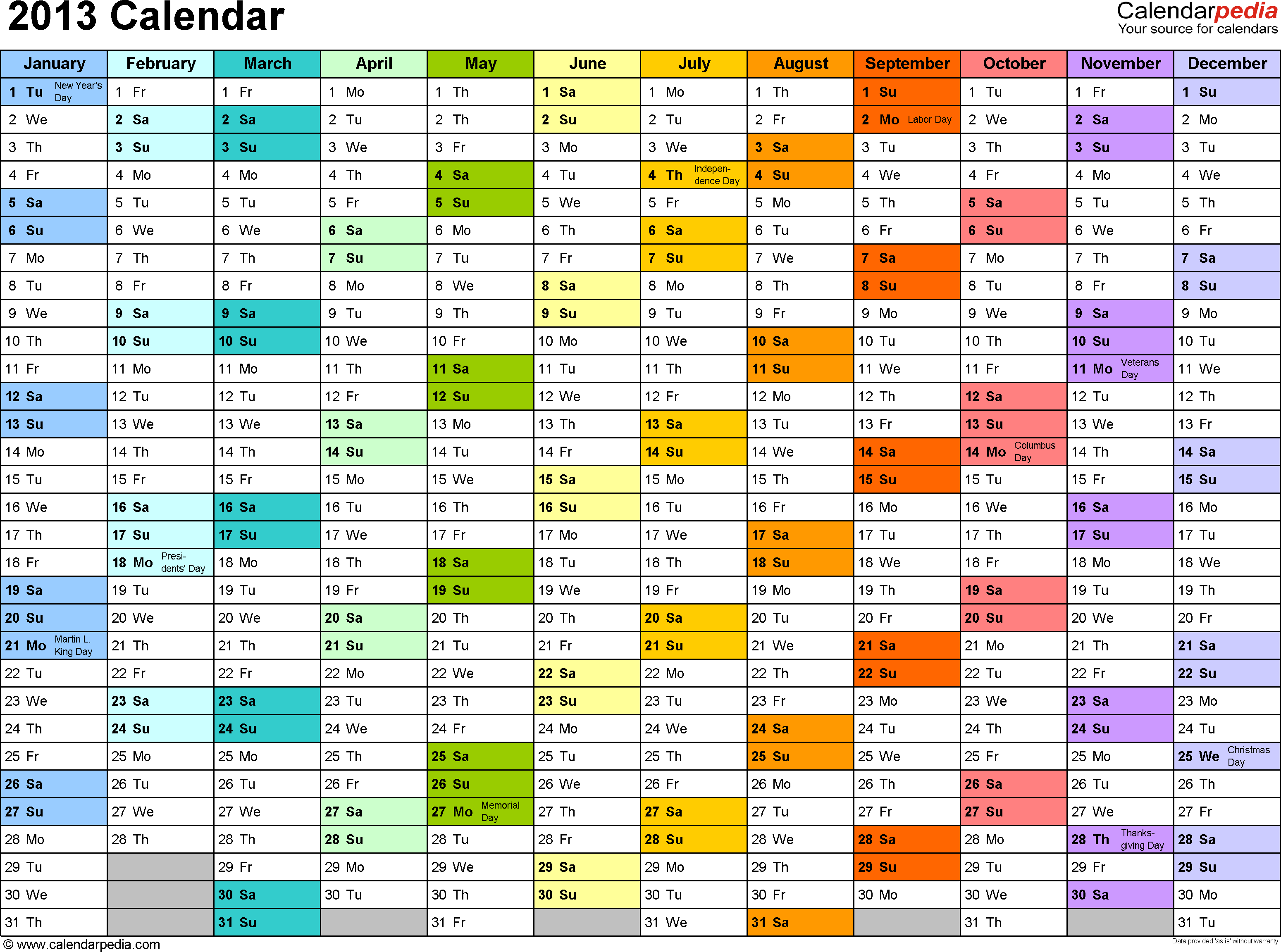
PDF calendar 2013 template 1:
landscape orientation,
1 page, months horizontally,
each month in a different color
Calendar 2013 template 1:
landscape, multi-colored
- 1 page, landscape orientation (horizontal)
- in "rainbow" color scheme that reflects the changing of the seasons
- each month shaded in a different color that visually separates and distinguishes it for easy recognition and navigation
- makes it easy to scan the year while still reading each month independently
- months arranged horizontally (along the top), days vertically
- US edition with federal holidays and observances
Download template 11 page · 188 KB · pdf file
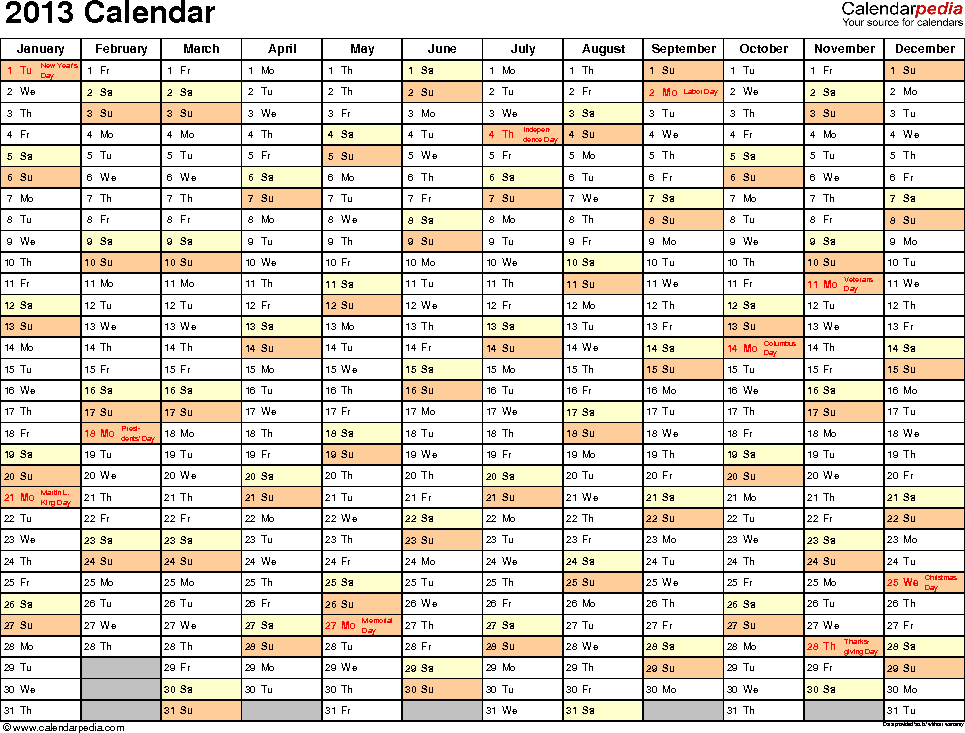
PDF calendar 2013 template 2:
landscape orientation,
months horizontally, 1 page
Calendar 2013 template 2:
landscape
- 1 page, landscape orientation (horizontal)
- months arranged horizontally (along the top), days vertically
- US edition with federal holidays and observances
Download template 21 page · 187 KB · pdf file

PDF calendar 2013 template 3:
landscape orientation,
months horizontally, 2 pages
Calendar 2013 template 3:
landscape, 2 pages
- 2 pages, landscape orientation (horizontal)
- half a year (six months) per page
- separate pages for the first and second half of the year
- US edition with federal holidays and observances
Download template 32 pages · 188 KB · pdf file

PDF calendar 2013 template 4:
landscape orientation,
months horizontally, 2 pages,
days of the week aligned
Calendar 2013 template 4:
days aligned, 2 pages
- 2 pages, landscape orientation (horizontal)
- days aligned horizontally (same days of the week in the same row) for easy week overview
- half a year (six months) per page
- separate pages for the first and second half of the year
- US edition with federal holidays and observances
Download template 42 pages · 187 KB · pdf file
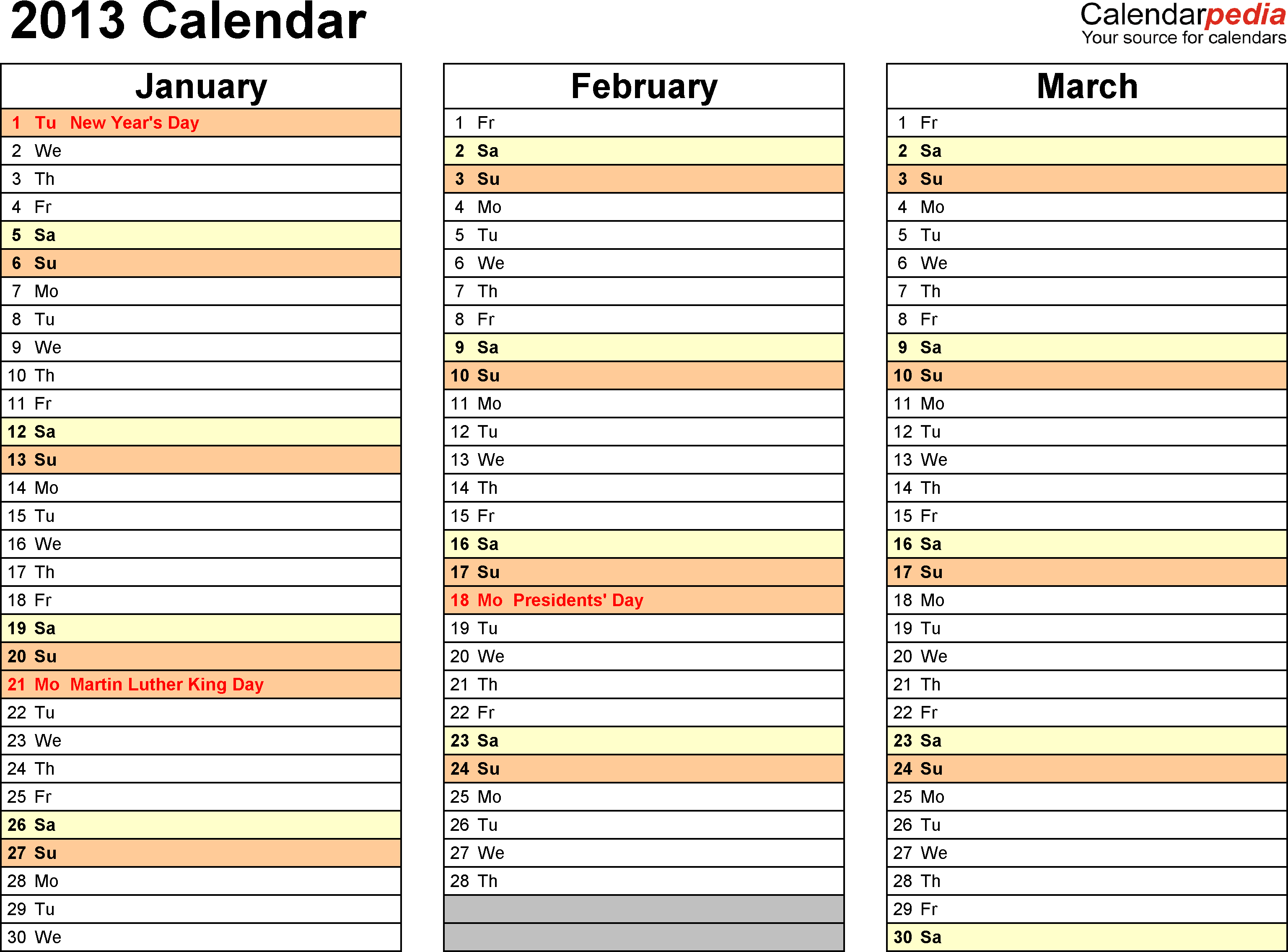
PDF calendar 2013 template 5:
landscape orientation,
months horizontally, 4 pages
Calendar 2013 template 5:
landscape, 4 pages
- 4 pages, landscape orientation (horizontal)
- months arranged horizontally (along the top), days vertically
- one calendar quarter (three months) per page
- each quarter on its own dedicated page
- US edition with federal holidays and observances
Download template 54 pages · 190 KB · pdf file

PDF calendar 2013 template 6:
landscape orientation,
days horizontally (linear), 1 page
Calendar 2013 template 6:
landscape, linear
- linear calendar 2013 on 1 page, landscape orientation (horizontal)
- linear calendar (days arranged horizontally)
- names of the months arranged vertically down the left side
- US edition with federal holidays and observances
Download template 61 page · 181 KB · pdf file
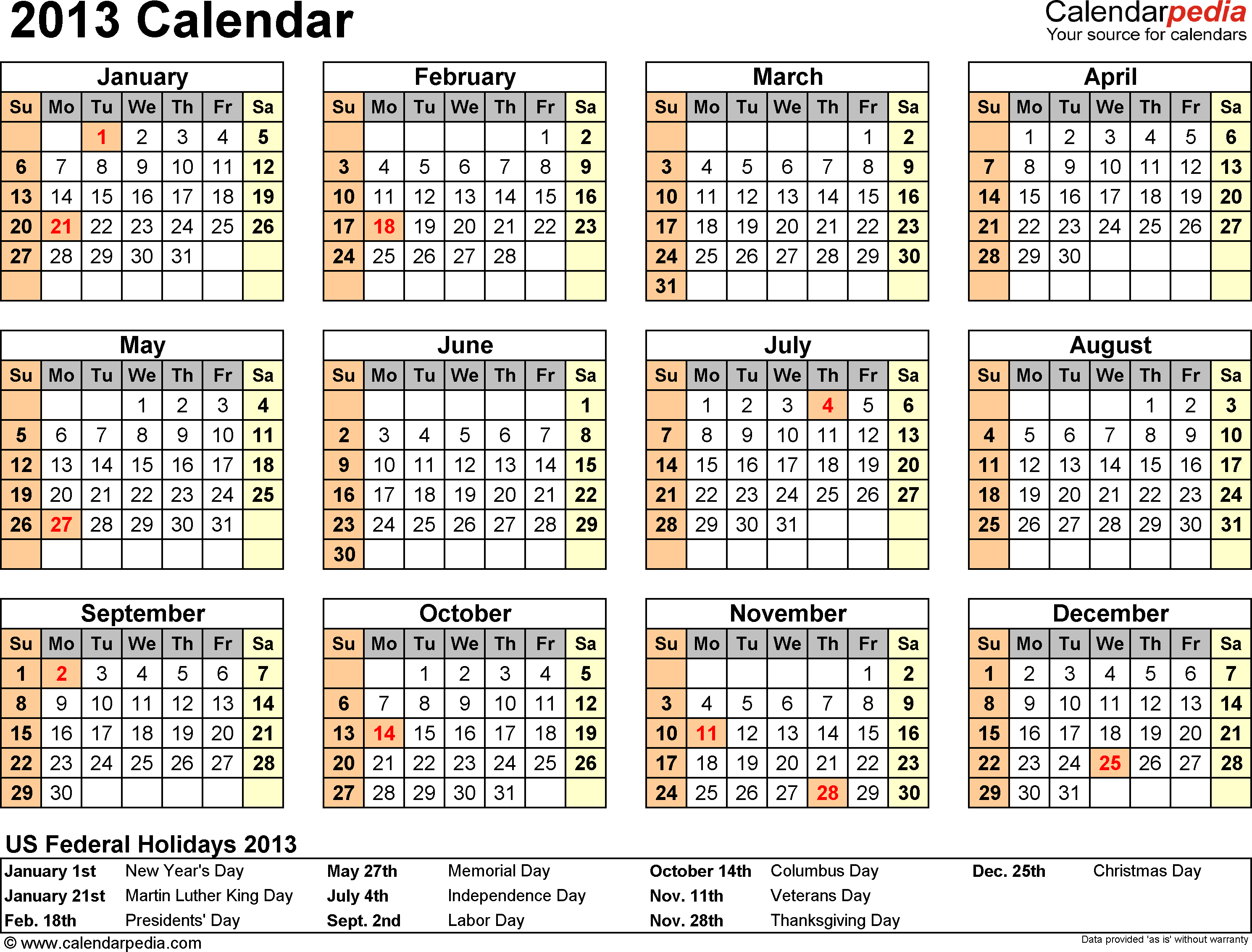
PDF calendar 2013 template 7:
year at a glance, 1 page
Calendar 2013 template 7:
landscape, year at a glance
- 1 page, landscape orientation (horizontal)
- the whole year 2013 on one page
- US edition with federal holidays and observances
Download template 71 page · 187 KB · pdf file
2013 calendars in PDF format,
portrait orientation (4 templates)
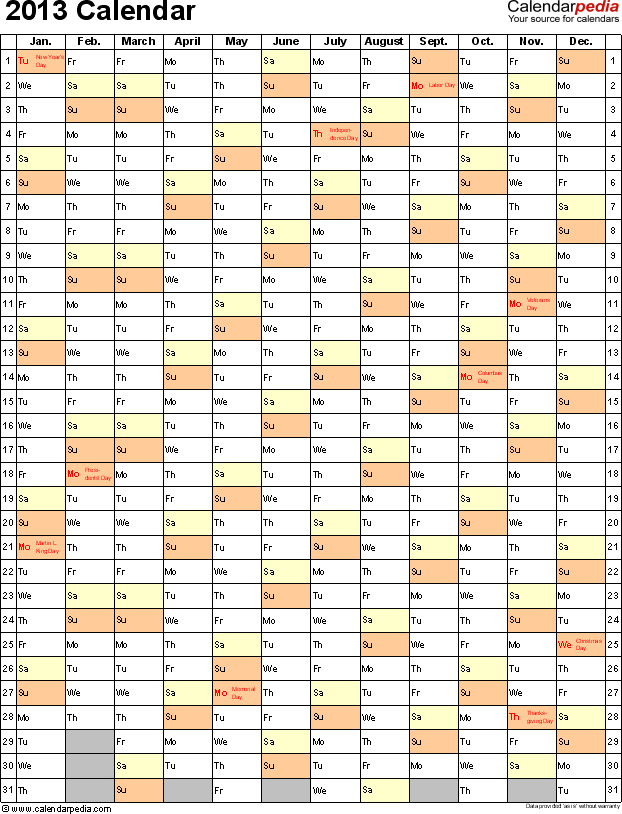
PDF calendar 2013 template 8:
portrait, 1 page
Calendar 2013 template 8:
portrait
- 1 page, portrait orientation (vertical)
- the whole year 2013 on one page
- US edition with federal holidays and observances
Download template 81 page · 183 KB · pdf file
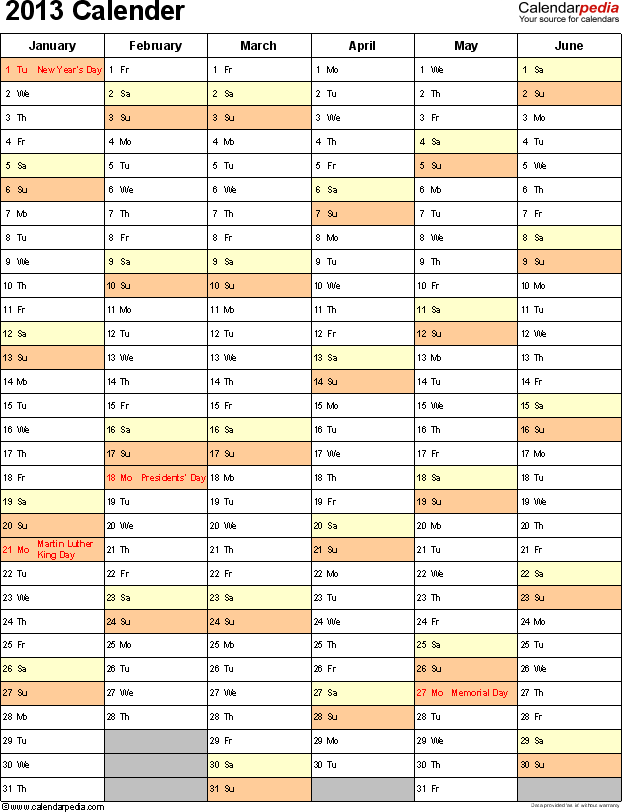
PDF calendar 2013 template 9:
portrait, 2 pages
Calendar 2013 template 9:
portrait orientation,
2 pages
- 2 pages, portrait orientation (vertical)
- half a year (six months) per page
- separate pages for the first and second half of the year
- US edition with federal holidays and observances
Download template 92 pages · 187 KB · pdf file

PDF calendar 2013 template 10:
portrait, 4 pages
Calendar 2013 template 10:
portrait orientation,
4 pages
- 4 pages, portrait orientation (vertical)
- one calendar quarter (three months) per page
- each quarter on its own dedicated page
- US edition with federal holidays and observances
Download template 104 pages · 190 KB · pdf file
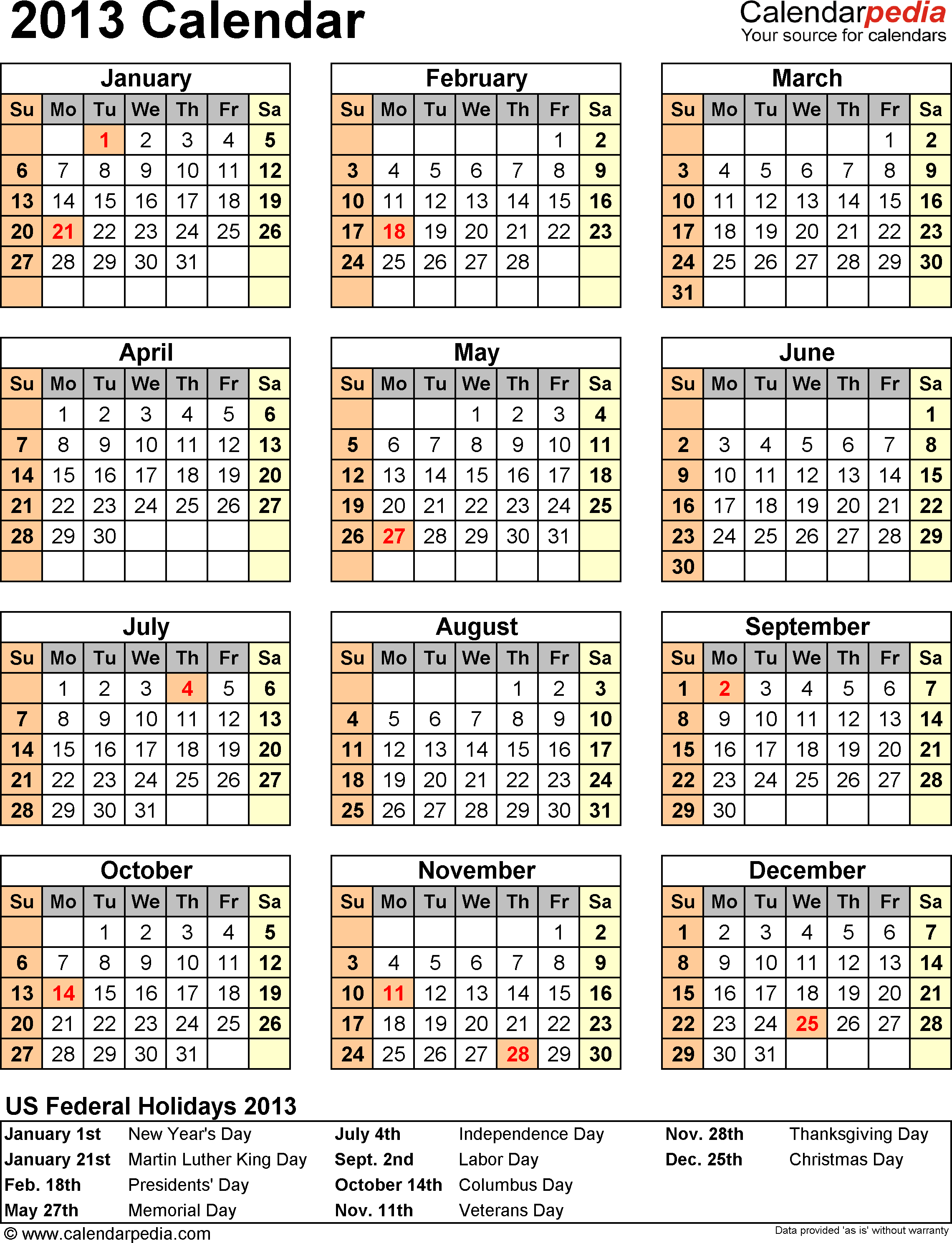
PDF calendar 2013 template 11:
portrait, 1 page
Calendar 2013 template 11:
portrait
- 1 page, portrait orientation (vertical)
- the whole year 2013 on one page
- US edition with federal holidays and observances
Download template 111 page · 188 KB · pdf file
Using the templates
Terms of Use
All templates on this site may be used free of charge, at home, at work and at school, provided that the Calendarpedia logo, the copyright notice with the website address ("© Calendarpedia® www.calendarpedia.com") and the disclaimer ("Data provided 'as is' without warranty") stay on the template. The templates may not be sold or built into products that are sold, and the blank templates (or copies with only minor changes) may not be offered for download on other websites. All content on this site is protected by copyright © 2011-2026 Calendarpedia®. All rights reserved. Data is provided 'as is' without warranty of any kind, may contain errors and is subject to change without notice. If you find a mistake, please let us know. Full details are in our Terms of Use.
System requirements and compatibility
Every template is saved in PDF (.pdf) format, the ISO-standardized document format (ISO 32000) that every device can open.
- Nothing to install
The file opens straight in the browser you are already using, on Windows, Mac, iPhone, iPad, Android and Chromebook alike, in Chrome, Edge, Safari and Firefox. Most computers also have a PDF viewer built in, such as Preview on a Mac or Microsoft Edge on Windows, so a double-click is usually all it takes. - Or use a dedicated PDF reader
Adobe Acrobat Reader is free for Windows, Mac, Android and iOS, and free alternatives such as Foxit Reader and Sumatra PDF open these files just as well. None of them is required: use one if you prefer it, not because the template needs it. - Open it from Google Drive
Upload the file to Google Drive and you can view and print it from anywhere you sign in, on any device, without installing anything. - Printing from a phone, tablet or Chromebook
You do not need a computer to get the template onto paper. On an iPhone or iPad, open the PDF and choose Share, then Print, and any AirPrint printer on your Wi-Fi will pick it up. On an Android phone, use the print option in the app's menu (under Share or the three-dot menu). On a Chromebook, Ctrl+P sends it to any printer already set up in Chrome. If there is no printer within reach, save the file to a USB drive or email it to yourself and print your template at the office, at a library or at a print shop. - Printing in black and white
To save color ink, you can print any template in black and white: the PDF reader or browser prints the colors as shades of gray. - Older devices and software
PDF has been the standard format for printable documents for many years, so the files also open in older PDF readers and on older computers, without any conversion.
Problems downloading, opening or printing a template?
Our FAQ explains how to print a template in a different size or in black and white, what to do if the edges are cut off, a download doesn't work or a file won't open in Excel or Word, and which other programs you can use.