2013 / 2014 / 2015 Three Year Calendars in PDF format
Free printable three year calendar templates
|
Sponsored links
These 3-year planning calendars for 2013 to 2015 cover the period from January 1, 2013 to December 31, 2015 (three years to view on a single sheet, 36 months on one page). Version for the United States with federal holidays. Free to download and print. Perfect for long-range multi-year planning, for proposals covering multiple years, ongoing projects, series of lectures and events, sports fixtures and travel plans. The calendars are multi-purpose, modifiable, adjustable and customizable, and suitable for a great variety of uses, e.g. as multi-year planner, longer term school, academic or professional planner, club, team, society or hobby calendar or agenda, vacation, trip and holiday planner, application process and progress tracker, event and special occasion planner, business, corporate or personal calendar, long-term planner, desk calendar or wall planner, for project planning/project management, time tracking and many more. Get organized and stay ahead of the pack by planning well ahead with these colorful, flexible multi-year calendars and planners!
The files are saved in Adobe PDF format (file extension .pdf) and can be opened with the Adobe Acrobat Reader and most other PDF readers, for example the PDF-XChange Viewer and the Foxit Reader. The files can be scaled up and down so they can be printed on paper sizes larger or smaller than standard letter paper (see instructions).
All calendars are blank, macro-free and printable and may be used free of charge for non-commercial use, provided that the Calendarpedia logo, the copyright notice ("© Calendarpedia®, www.calendarpedia.com") and the disclaimer ("Data provided 'as is' without warranty") are not removed. Not for commercial distribution or resale. For commercial use please contact us. All content of this website is copyright © 2011-2024 Calendarpedia®. All rights reserved. Data provided 'as is' without warranty and subject to error and change without notice.
Important note regarding paper size:
All templates downloadable below are in US letter paper size (8.5 by 11 inches - as used in the USA, Canada, Mexico, the Philippines and some South American countries). For templates in A4 paper size (the international standard paper size used in all other parts of the world) please see Calendarpedia's UK edition.
See also:
Other multi-year calendars:
Calendars for 2013:
The files are saved in Adobe PDF format (file extension .pdf) and can be opened with the Adobe Acrobat Reader and most other PDF readers, for example the PDF-XChange Viewer and the Foxit Reader. The files can be scaled up and down so they can be printed on paper sizes larger or smaller than standard letter paper (see instructions).
All calendars are blank, macro-free and printable and may be used free of charge for non-commercial use, provided that the Calendarpedia logo, the copyright notice ("© Calendarpedia®, www.calendarpedia.com") and the disclaimer ("Data provided 'as is' without warranty") are not removed. Not for commercial distribution or resale. For commercial use please contact us. All content of this website is copyright © 2011-2024 Calendarpedia®. All rights reserved. Data provided 'as is' without warranty and subject to error and change without notice.
Important note regarding paper size:
All templates downloadable below are in US letter paper size (8.5 by 11 inches - as used in the USA, Canada, Mexico, the Philippines and some South American countries). For templates in A4 paper size (the international standard paper size used in all other parts of the world) please see Calendarpedia's UK edition.
See also:
- Three year calendars for other years: 2023‑25 · 2024‑26 · 2025‑27 · 2026‑28 · earlier years
- Three year calendars 2013‑15 in other file formats: Word · Excel · PDF
- Three year calendars for other countries: United Kingdom · Germany
Other multi-year calendars:
- Split year calendars 2013/14 (July 2013 to June 2014)
- School calendars 2013/14 (August 2013 to July 2014)
- Academic calendars 2013/14 (September 2013 to August 2014)
- Two year calendars 2013/14 (two years on one page)
Calendars for 2013:
- Hourly calendars
- Daily calendars
- Weekly calendars 2013 (one page for every week of the year)
- Monthly calendars 2013:
January · February · March · April · May · June · July · August · September · October · November · December - Yearly calendar 2013
Three year calendars 2013/14/15 in landscape orientation (2 templates)
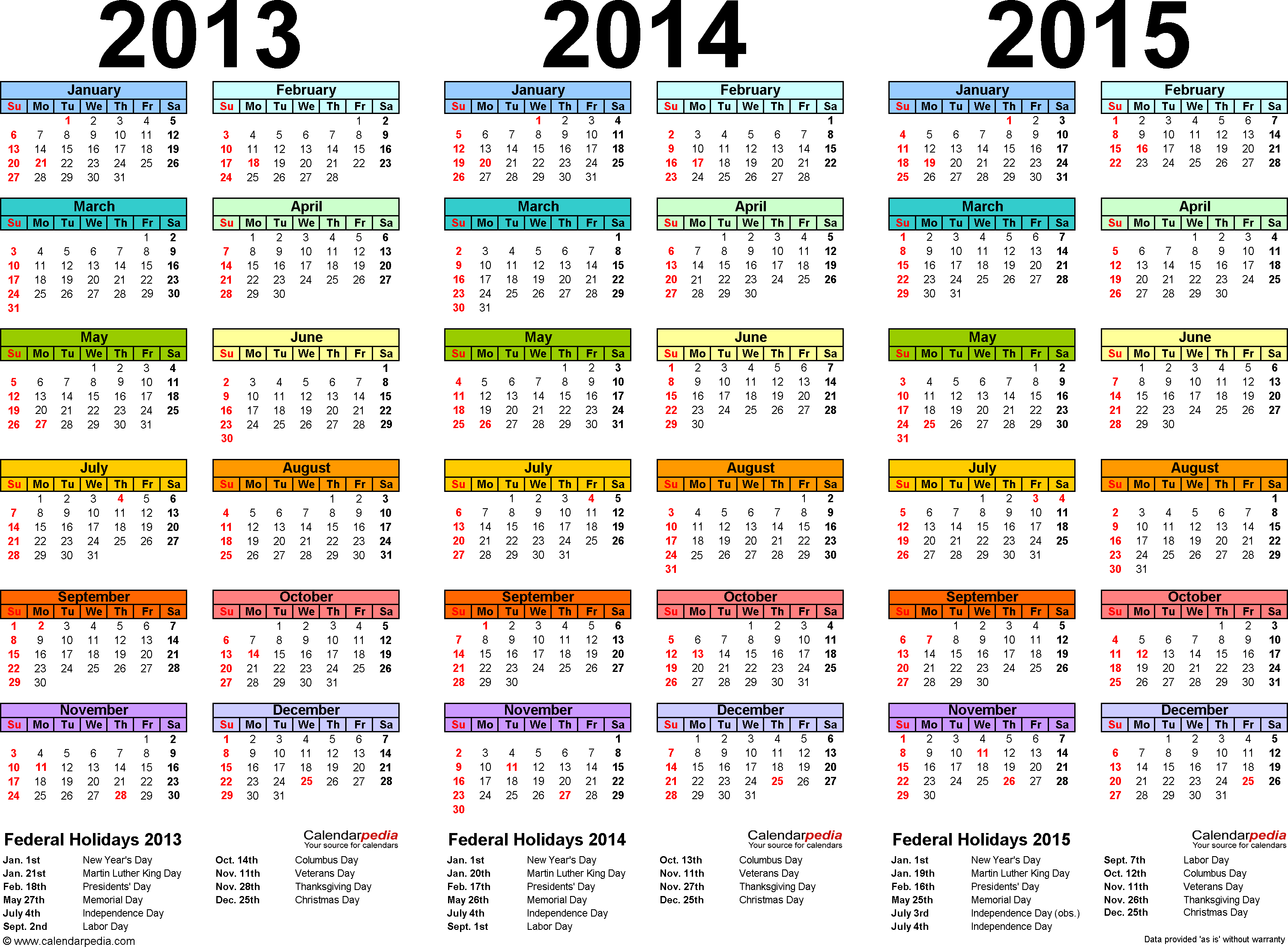
Template 1:
Three year calendar 2013 - 2015,
landscape, side by side, multi-colored
Template 1:
Three year calendar 2013 / 2014 / 2015
landscape, years side by side, multi-colored
- yearly calendars for 2013, 2014 and 2015 on one page
- landscape orientation (horizontal), years side by side
- each month in a different color ("rainbow calendar") to reflect the changing of the seasons
- US edition with federal holidays 2013 - 2015
- free to download, easily printable
- in PDF format (.pdf file)
Download template 1
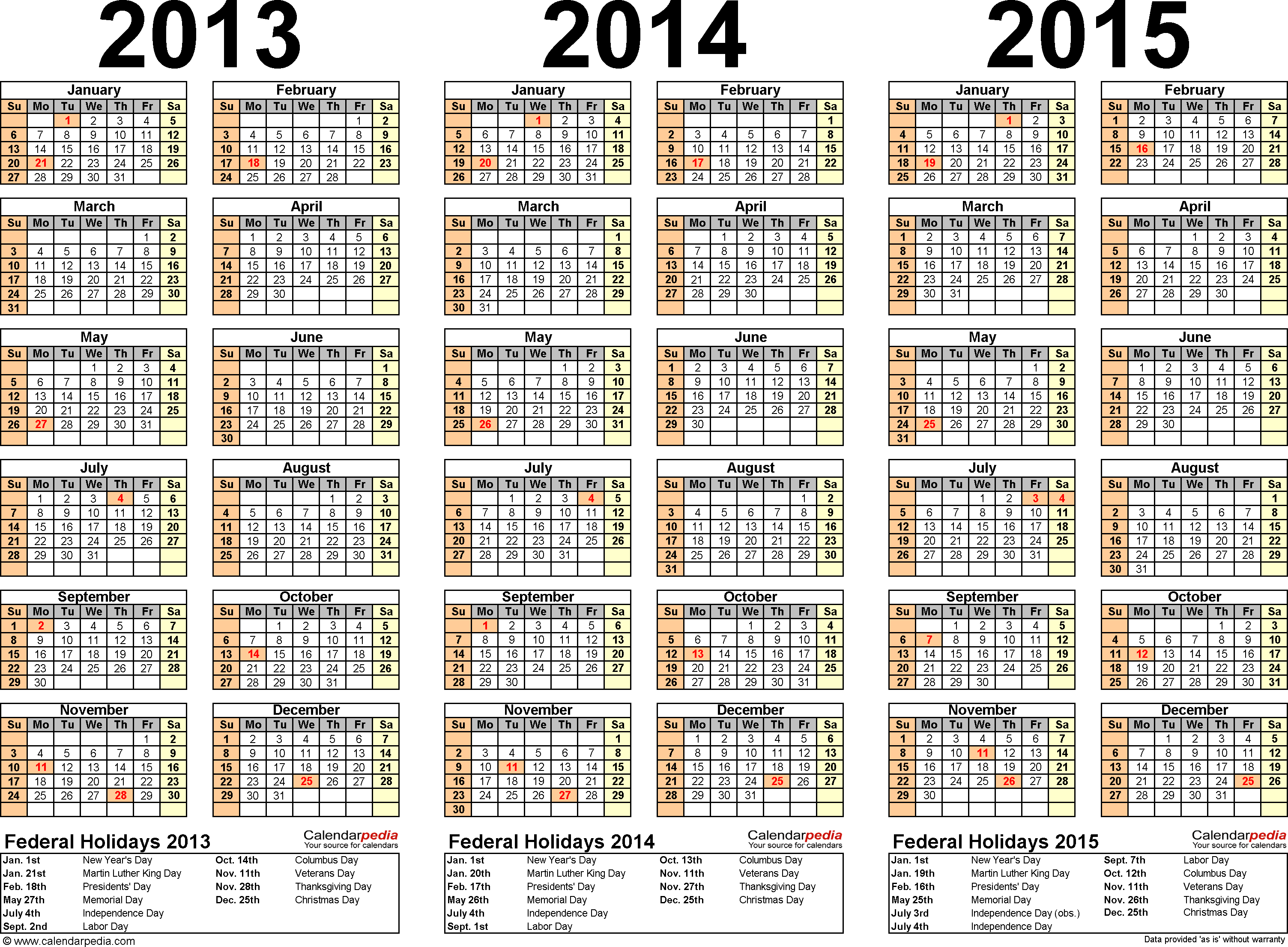
Template 2:
Three year calendar 2013 - 2015,
landscape, side by side
Template 2:
Three year calendar 2013 / 2014 / 2015
landscape, years side by side
- yearly calendars for 2013, 2014 and 2015 on one page
- landscape orientation (horizontal), years side by side
- US edition with federal holidays 2013 - 2015
- free to download, easily printable
- in PDF format (.pdf file)
Download template 2
Three year calendars 2013/14/15 in portrait orientation (2 templates)
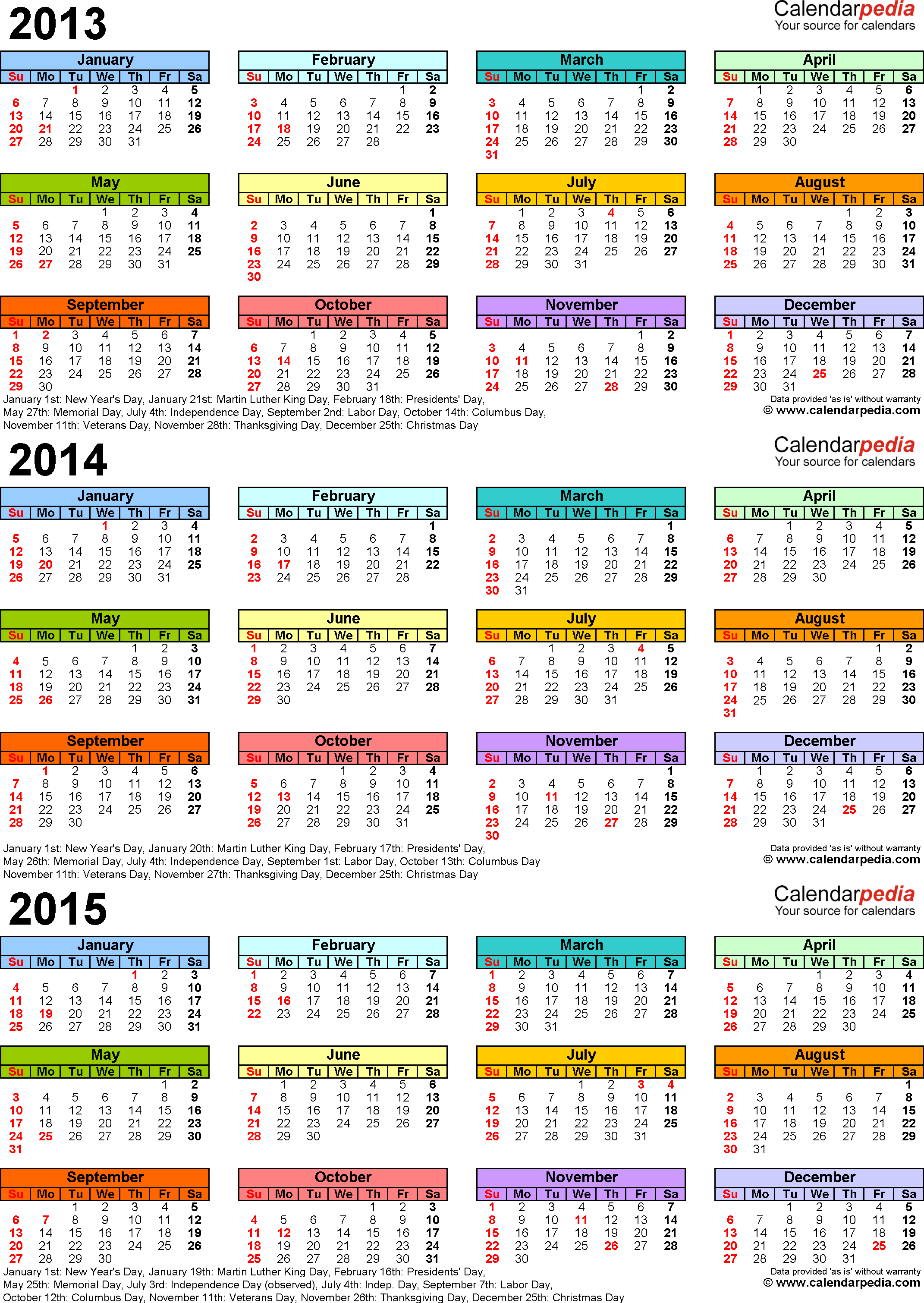
Template 3:
Three year calendar 2013 - 2015,
portrait, stacked, multi-colored
Template 3:
Three year calendar 2013 / 2014 / 2015
portrait, years stacked, multi-colored
- yearly calendars for 2013, 2014 and 2015 on one page
- portrait orientation (vertical), years stacked
- each month in a different color ("rainbow calendar") to reflect the changing of the seasons
- US edition with federal holidays 2013 - 2015
- free to download, easily printable
- in PDF format (.pdf file)
Download template 3

Template 4:
Three year calendar 2013 - 2015,
portrait, stacked
Template 4:
Three year calendar 2013 / 2014 / 2015
portrait, years stacked
- yearly calendars for 2013, 2014 and 2015 on one page
- portrait orientation (vertical), years stacked
- US edition with federal holidays 2013 - 2015
- free to download, easily printable
- in PDF format (.pdf file)
Download template 4
Calendar templates
Home · Sitemap / archive
Yearly calendars
Quarterly calendars
PDF · Word · Excel
Monthly calendars
Mar · Apr · May · Jun · Jul Weekly calendars
Daily calendars
PDF · Word · Excel
Hourly calendars
PDF · Word · Excel
Split year calendars 24/25
PDF · Word · Excel
School calendars 24/25
PDF · Word · Excel
Academic calendars 24/25
PDF · Word · Excel
Fiscal calendars 2024
PDF · Word · Excel
2 year calendars 24/25
PDF · Word · Excel
3 year calendars 24-26
PDF · Word · Excel
Photo calendars 2024
PDF · Word · Excel
Birthday calendars
PDF · Word · Excel
Blank calendars
PDF · Word · Excel
Perpetual calendars
PDF · Word · Excel
Yearly calendars
| PDF: | 2024 · 2025 / 2026 |
| Word: | 2024 · 2025 / 2026 |
| Excel: | 2024 · 2025 / 2026 |
PDF · Word · Excel
Monthly calendars
Mar · Apr · May · Jun · Jul Weekly calendars
| PDF: | 2024 · 2025 / 2023 |
| Word: | 2024 · 2025 / 2023 |
| Excel: | 2024 · 2025 / 2023 |
PDF · Word · Excel
Hourly calendars
PDF · Word · Excel
Split year calendars 24/25
PDF · Word · Excel
School calendars 24/25
PDF · Word · Excel
Academic calendars 24/25
PDF · Word · Excel
Fiscal calendars 2024
PDF · Word · Excel
2 year calendars 24/25
PDF · Word · Excel
3 year calendars 24-26
PDF · Word · Excel
Photo calendars 2024
PDF · Word · Excel
Birthday calendars
PDF · Word · Excel
Blank calendars
PDF · Word · Excel
Perpetual calendars
PDF · Word · Excel
Online Calendars
More...